How to find and read Korean web novels on Munpia
Munpia is a Korean web-fiction service with free serials, paid serials, and downloadable ebooks. Its current discovery page puts work type, serial status, and genre filters at the start of the reading flow. This guide explains those Korean labels and the checks to make before you open a long work.
Use Munpia discovery filters, distinguish free, paid, and ebook works, check serial status, and prepare a consistent private translation.
Use 작품탐색 to find a work
작품탐색 means work discovery. The 작품 유형 filter selects the work type. 전체 means all, 무료 means free, 유료 means paid, and 이북 means ebook. The 연재 상태 filter controls serial status. 연재작 means ongoing work and 완결작 means completed work.
The 장르 filter selects genre. 새글순 sorts by new writing. If a filter combination shows 검색 결과가 없습니다, which means there are no search results, clear one filter at a time instead of assuming the title is unavailable.
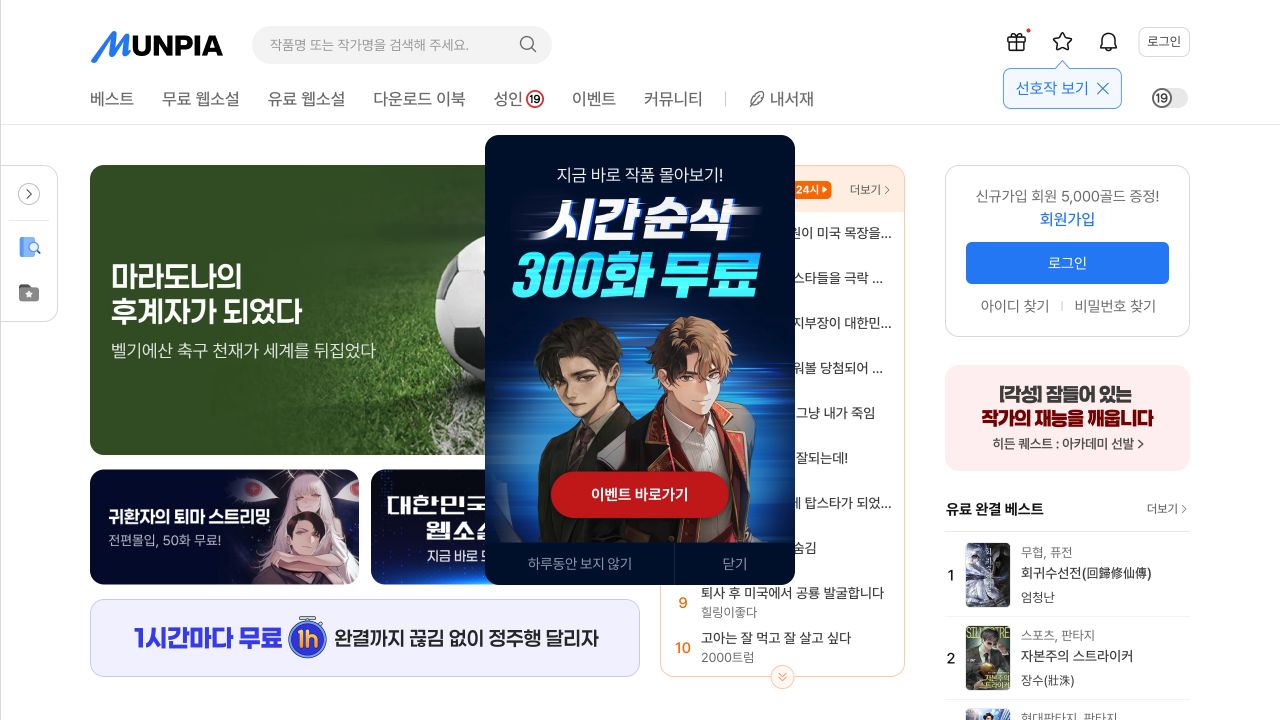
The main navigation also includes 베스트 for best works, 무료 웹소설 for free web novels, 유료 웹소설 for paid web novels, 다운로드 이북 for downloadable ebooks, 성인 for adult content, 이벤트 for events, and 내서재 for your library.
Confirm the correct edition
Search with the Korean title and compare the author name, cover, synopsis, status, and most recent episode. Save the official work URL. A story can have a free serial, paid continuation, revised edition, or ebook page.
Do not use only a fan-made English title. Keep the Korean author name beside the title and confirm that the page type matches the edition you want. If you plan to read the complete story, check whether an ongoing free section later moves to paid access.
Test one lawfully available episode
Open one free or lawfully purchased episode. Confirm where the title, author note, chapter text, navigation, and comments begin and end. A page translator can mix interface labels or comments into the story if you copy the complete page.
Check paragraph order, dialogue, and scene separators. If the browser reader does not expose the complete text, use the official Munpia app rather than a copied or scraped mirror.
Paid access can require an account and Munpia credit. Read the current paid-use terms and checkout screen. Do not assume that an ebook purchase, serial purchase, and free episode use the same access rules.
Create a Korean fiction glossary
Record names, titles, organisations, ranks, abilities, items, and location names. Add a short role or relationship note for each person. Korean often omits the subject, so this note helps prevent the wrong English pronoun later.
Translate complete scenes rather than isolated sentences. Review dialogue attribution, titles, pronouns, numbers, and system messages before you polish the prose. Compare a difficult line with the prior paragraph and scene.
- Source spelling
- Chosen English spelling
- Role or relationship
- First episode where the term appears
- Later correction or changed title
Respect account and copyright limits
Use the official Munpia sign-in, age gate, and payment flow. Do not send identity documents or account credentials to a seller or translator. Keep a private reading translation private unless the rights holder has given you distribution permission.
Munpia states that registered content belongs to the site and the original rights holders and that unauthorised copying, transmission, modification, or distribution can lead to legal penalties.