Campfire Writing and Reedsy Studio solve different book problems
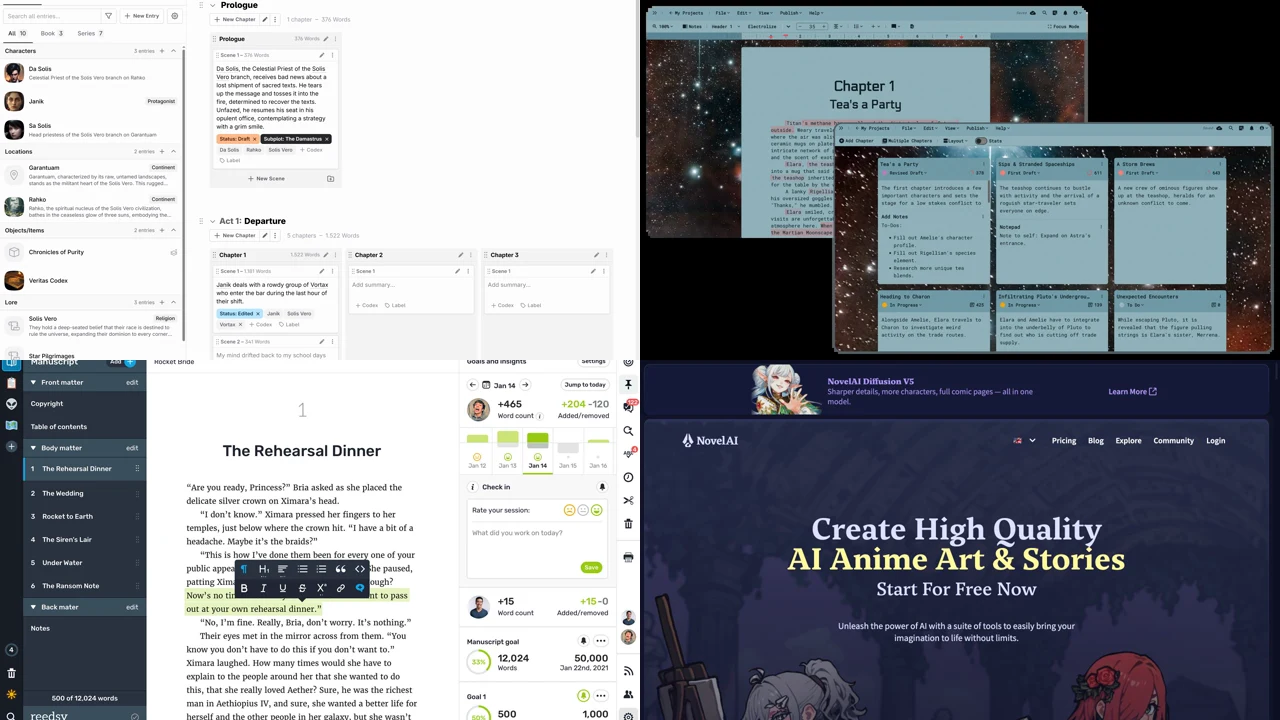
Campfire describes one connected place to write, read, and publish. Its writing system includes eighteen writing and worldbuilding modules. Reedsy Studio focuses on planning, drafting, live revision, and professional EPUB or print-ready PDF output.
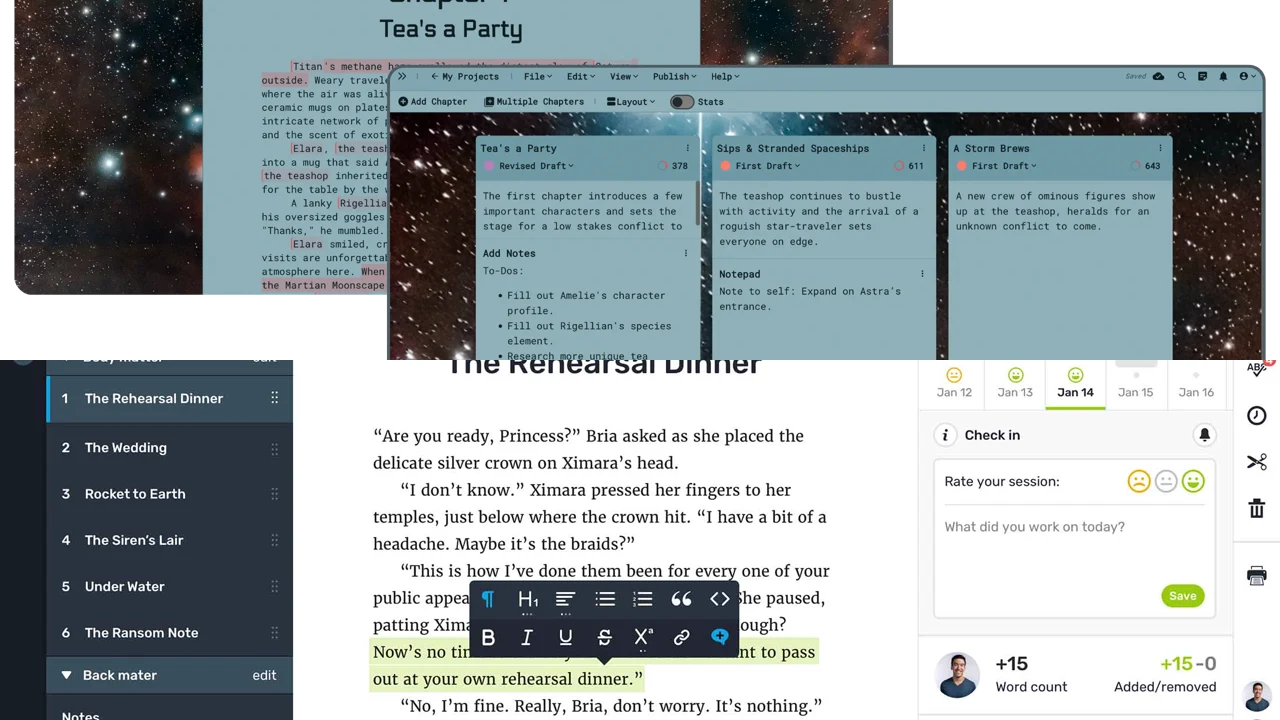
Compare worldbuilding modules and publishing tools with a clean drafting, collaboration, and export workspace.
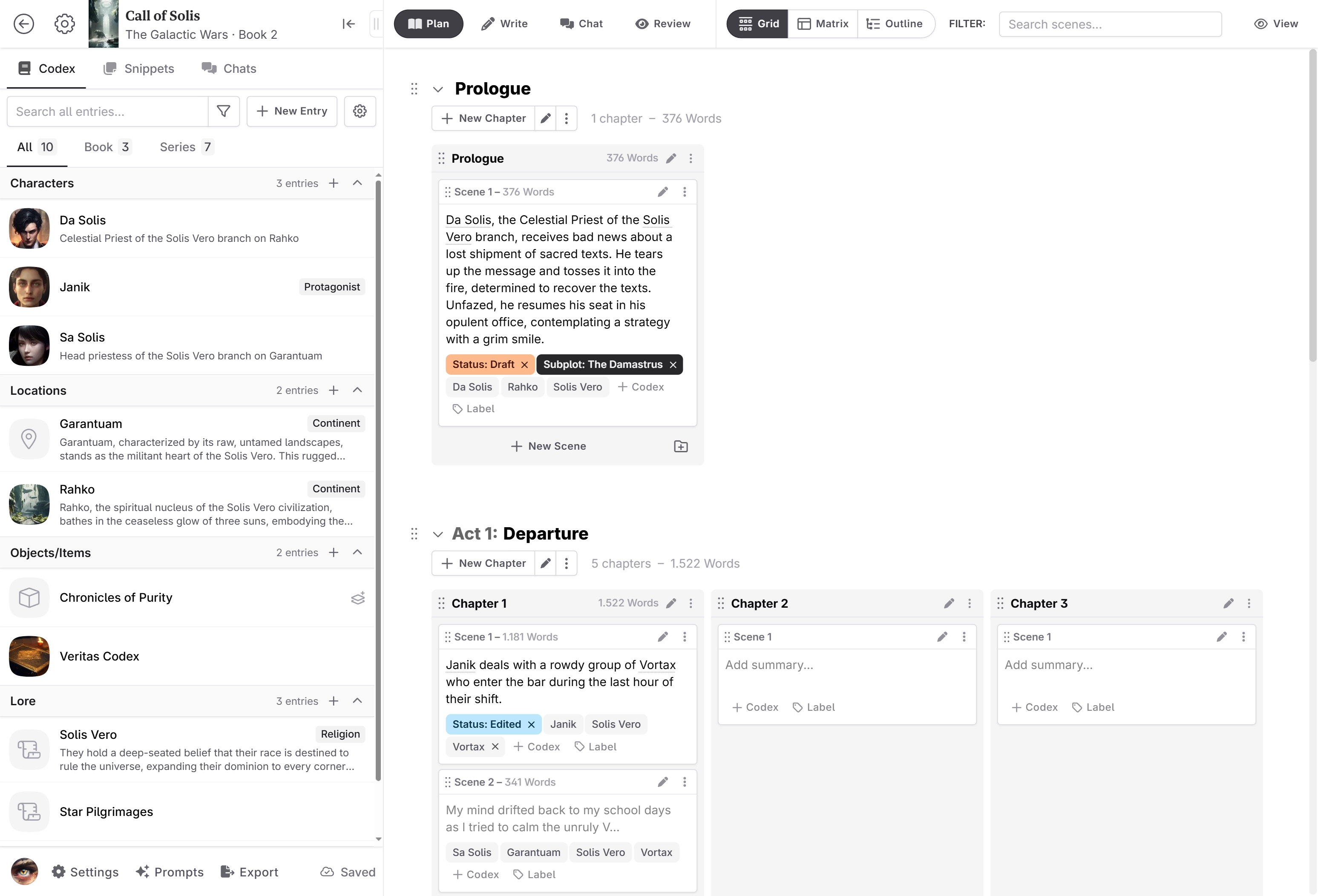
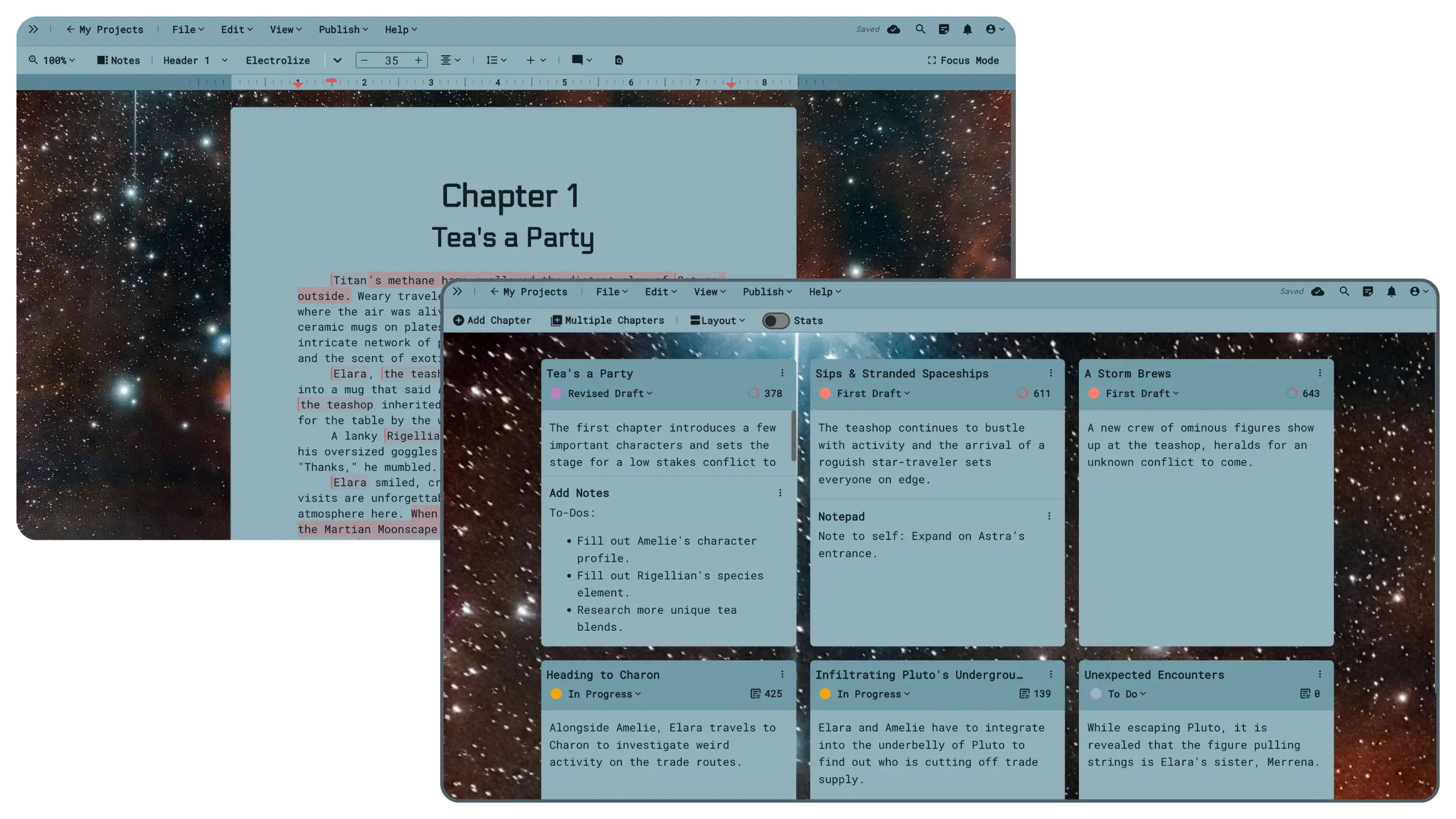
Campfire starts from the world
Campfire lists tools for characters, story planning, interactive maps, calendars, timelines, and constructed languages. This modular approach suits projects where world information is a large part of the work.
Campfire also connects writing to a bookstore and reading app. That can reduce handoffs for an author who wants one ecosystem, but it is still important to test export and distribution needs outside that ecosystem.
Reedsy Studio starts from the manuscript
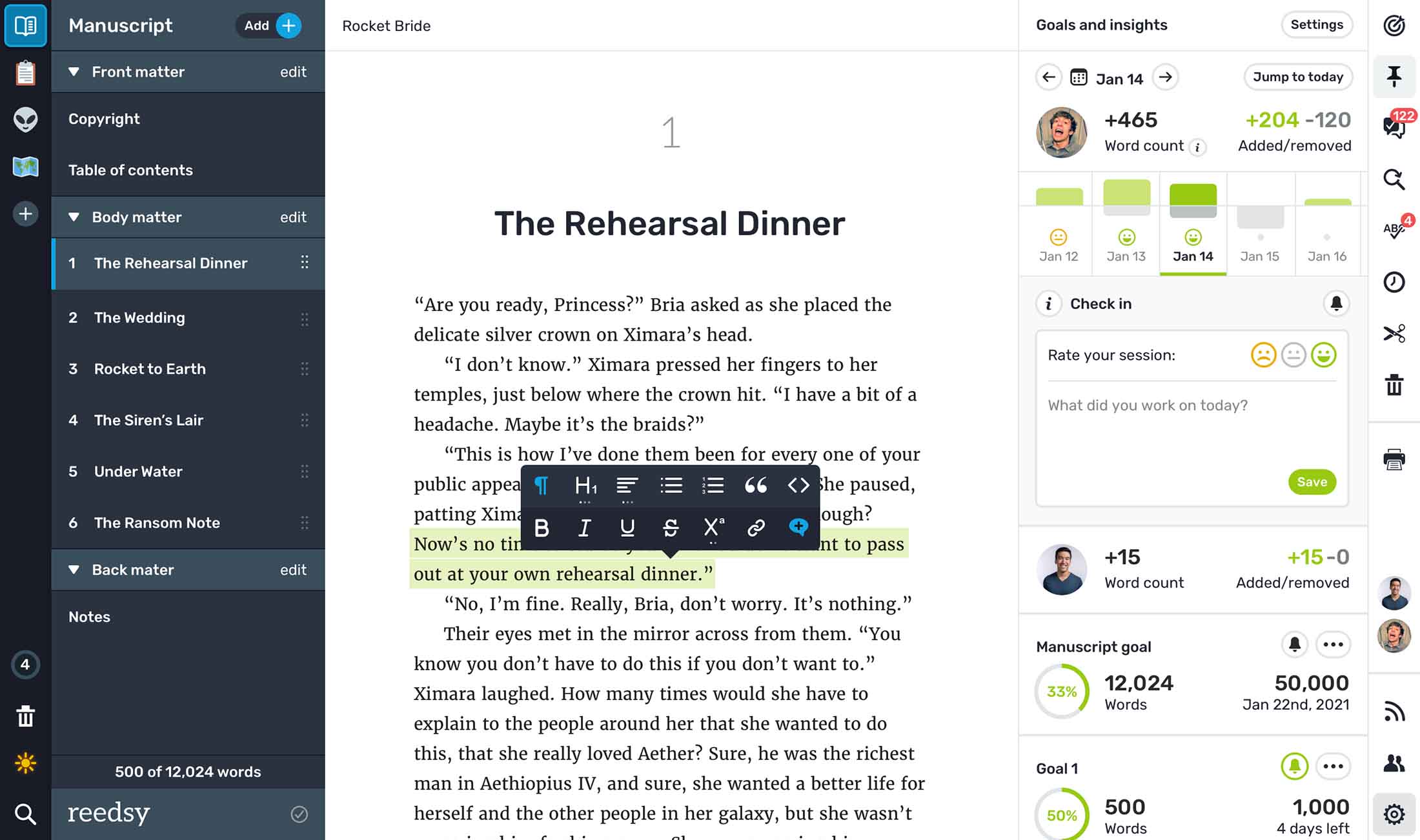
Reedsy Studio presents a familiar chapter sidebar and writing area, then adds Boards for notes, characters, research, and locations. It supports real-time collaboration, tracked changes, comments, preview sharing, EPUB export, and print-ready PDF typesetting.
Use your project shape to choose
Choose the tool with the least friction around your largest problem. A complex fantasy series may benefit from specialized world modules. A mostly drafted book moving through editor comments and export may benefit more from a focused manuscript workspace.
Run an export test early
Create two chapters, notes for two characters, one image, and one collaborator comment. Export the project and inspect headings, scene breaks, italics, front matter, and file ownership. Do this before the full manuscript depends on the system.