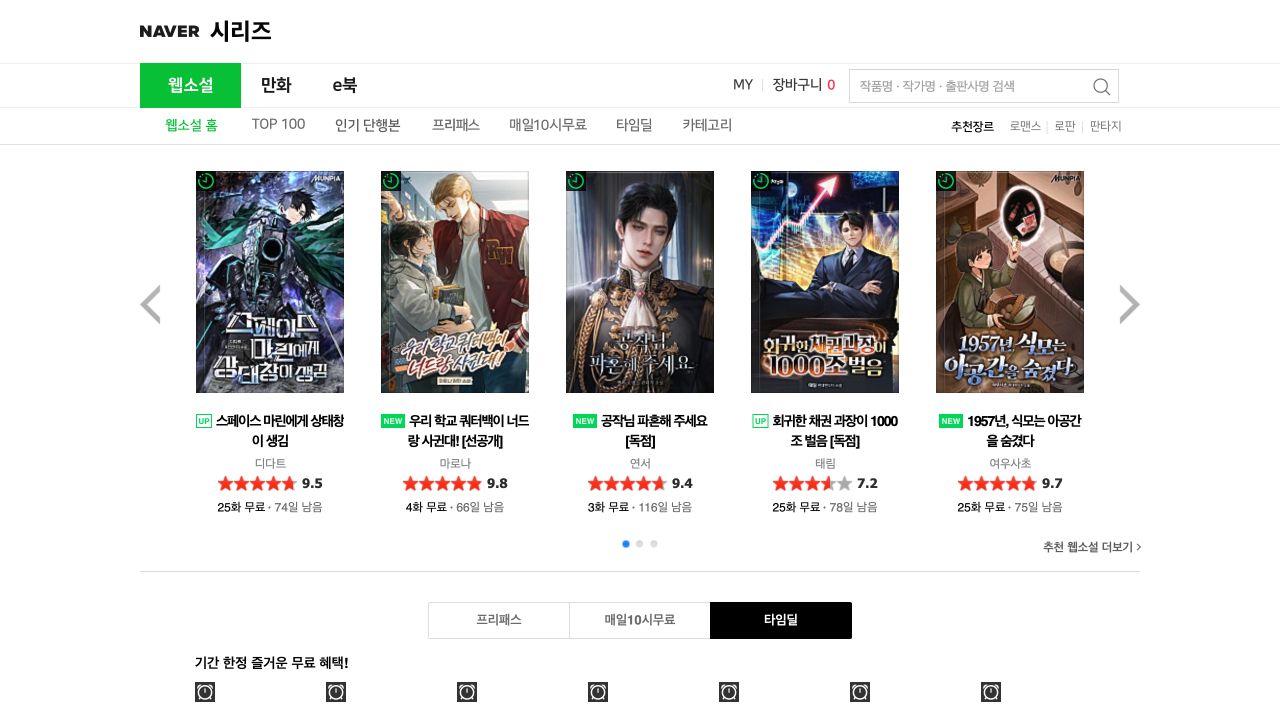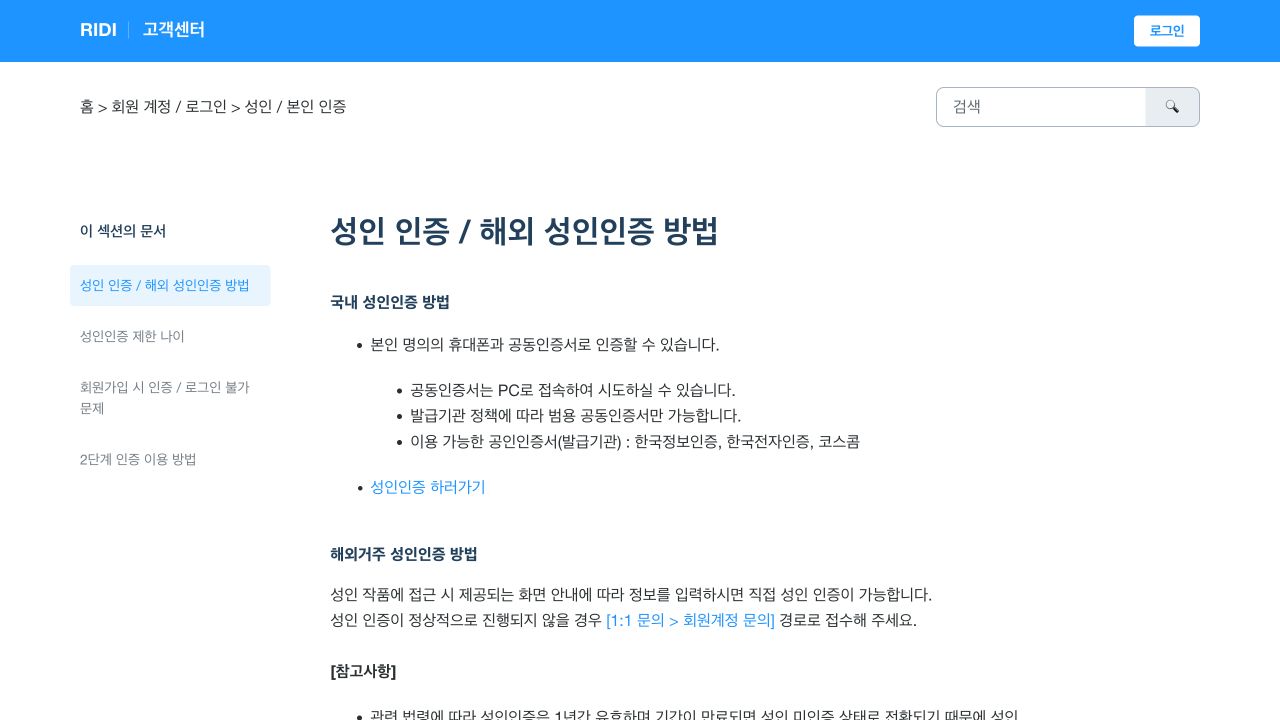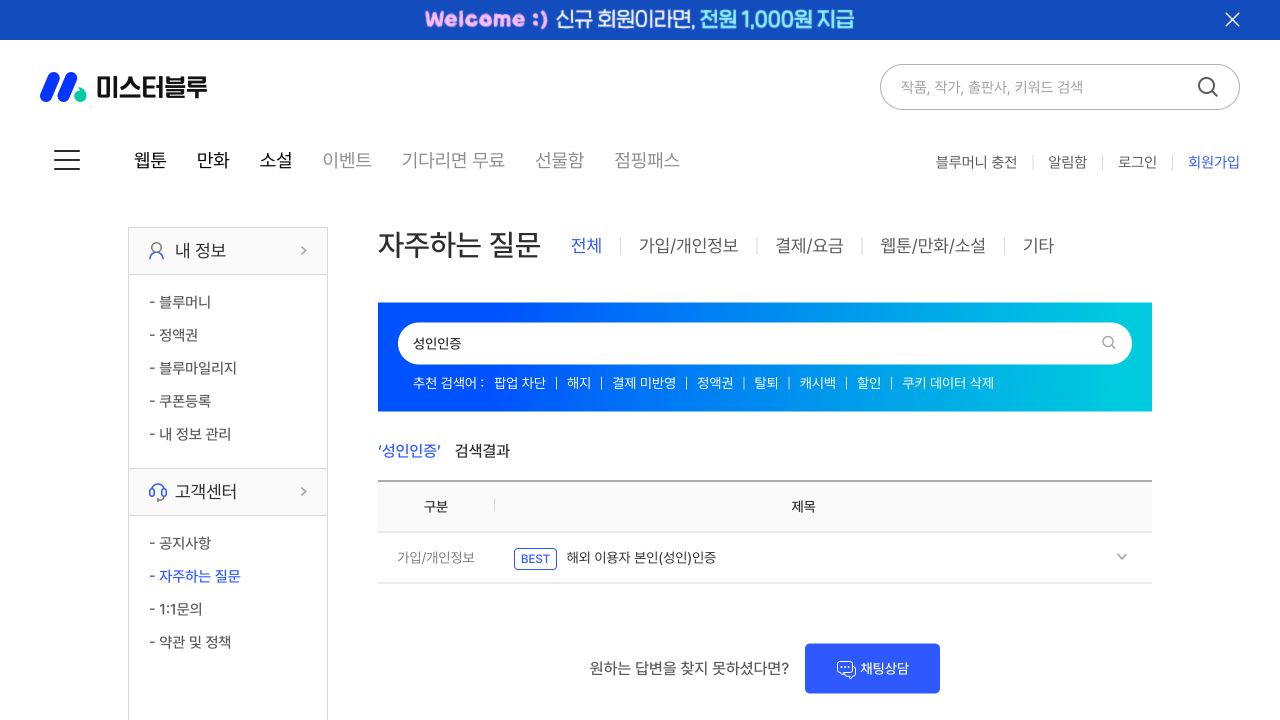
How to complete age verification on Naver Series
Naver Series normally checks age with a Korean mobile phone that is registered in the account holder’s name. Its official customer centre gives an exception for people who live outside Korea and cannot use that method. The overseas route is a manual real-name and age check through Naver Series support.
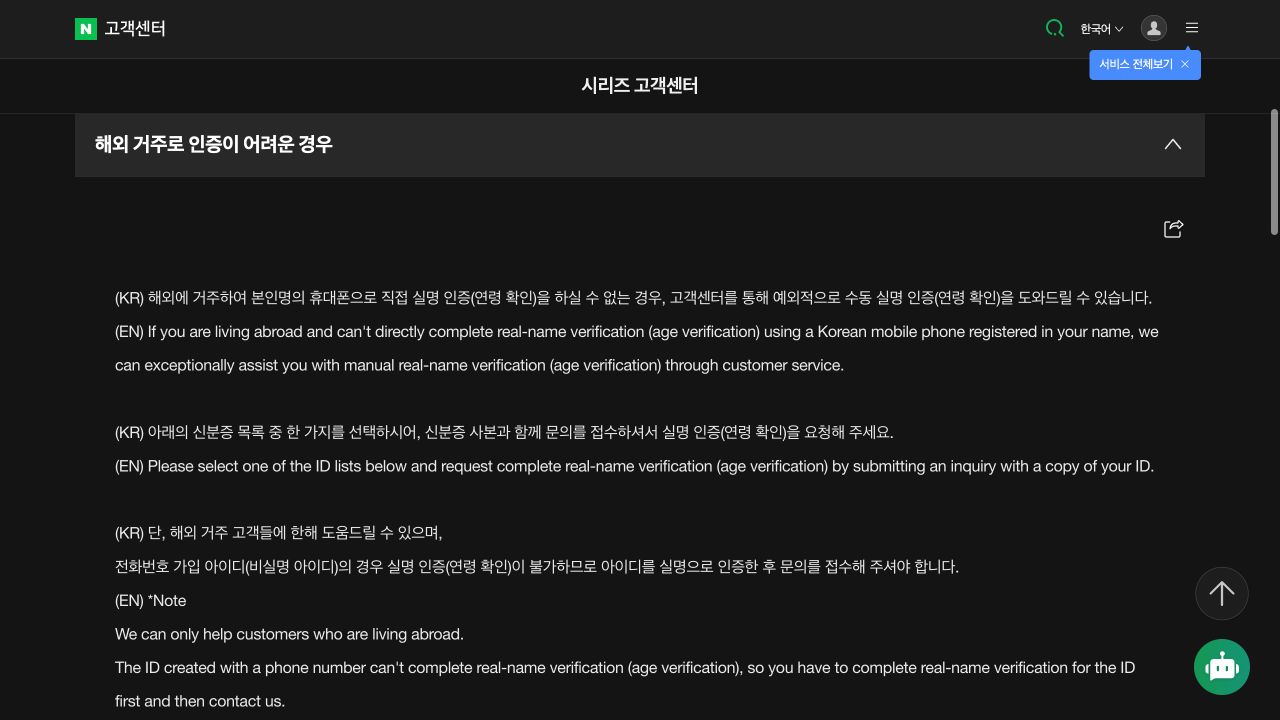
Use Naver Series customer support for overseas age verification, prepare an accepted identity document, and mask all information that Naver does not request.
Confirm that the overseas route applies to you
Use this route only if you live outside Korea and cannot complete the check with a Korean mobile phone in your own name. Naver states that this support exception is only for overseas residents.
An account created only with a phone number is treated as a non-real-name account. Naver says that this type of account cannot complete the manual age check. You must first make the account a real-name account, then send the support request.
Prepare one accepted identity document
Naver accepts one of these documents: Korean resident-registration card, driving licence, passport, foreigner-registration card, disability-registration card, or an identity document issued by the country where an overseas foreign user lives.
The document must be current. It must show the name, date of birth, gender, and expiry date. Naver does not process an expired document.
- Use one document from the official accepted list.
- Make sure that the name, date of birth, gender, and expiry date are clear.
- For a Korean passport, the passport number must remain visible.
Hide all information that Naver does not request
Hide every field except the name, English name when present, date of birth, gender, and expiry date. For a Korean passport, also leave the passport number visible.
Hide the seven digits after the date of birth in a Korean resident-registration number. Naver states that a document with these seven digits visible is destroyed at once and the request is rejected. A Korean passport must also have the final seven resident-registration digits hidden.
Send the request through Naver Series support
Open the official Naver Series customer centre and select “해외 거주로 인증이 어려운 경우,” which means “When verification is difficult because you live overseas.” Read the current Korean and English instructions, then select the direct inquiry link.
Attach the masked copy to the official support case. Processing can take longer because Naver checks the information and may need to work across time zones. Keep the case number, and do not send the document through social media or a private email address.
Know what the check permits
The check confirms the account holder’s real name and age. It can make age-restricted catalogue items available to the account. It does not give permission to copy, publish, or distribute a novel or a translation.
Buy or unlock the work on Naver Series. Keep a private reading translation private unless the rights holder gives you permission to share it.