How to complete age verification on BookCube
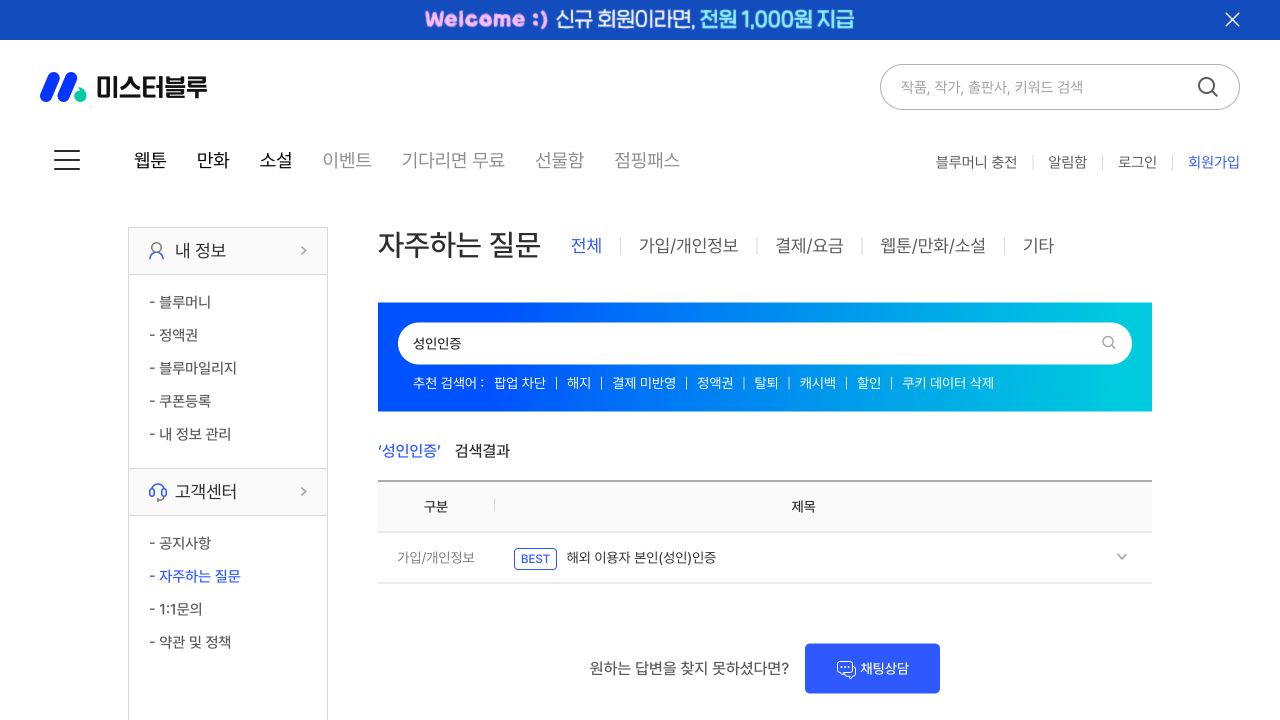
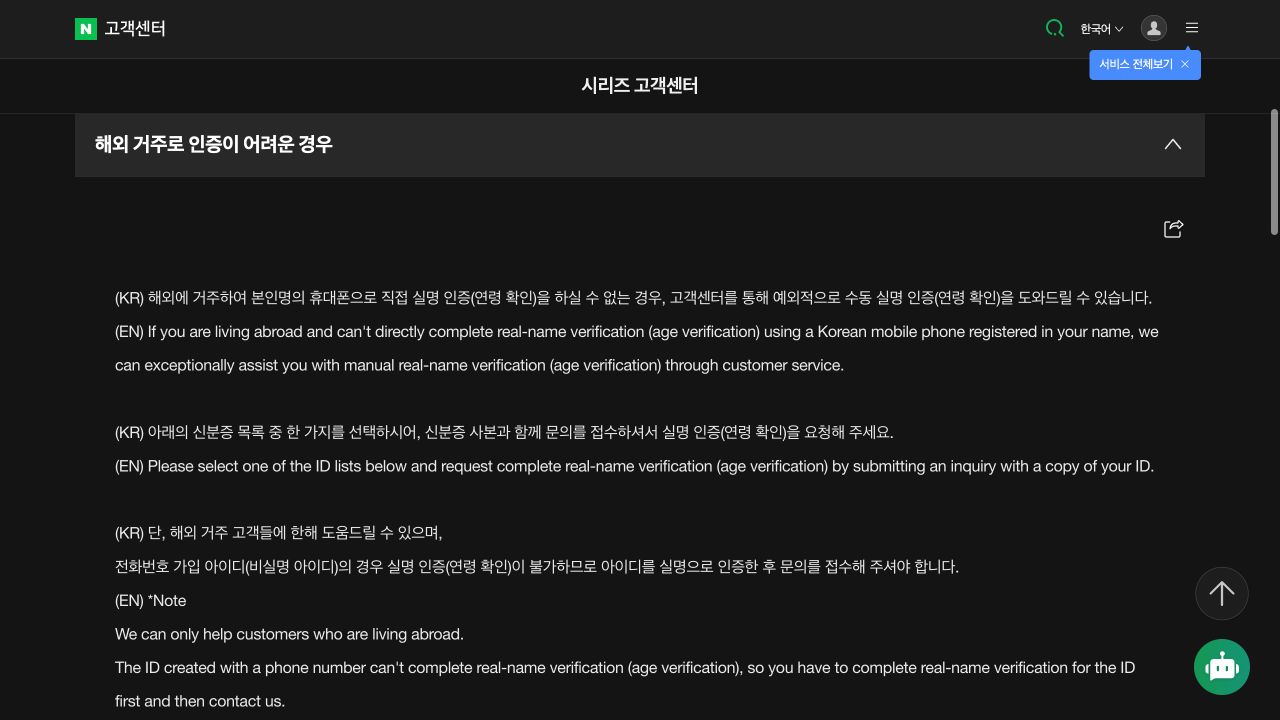
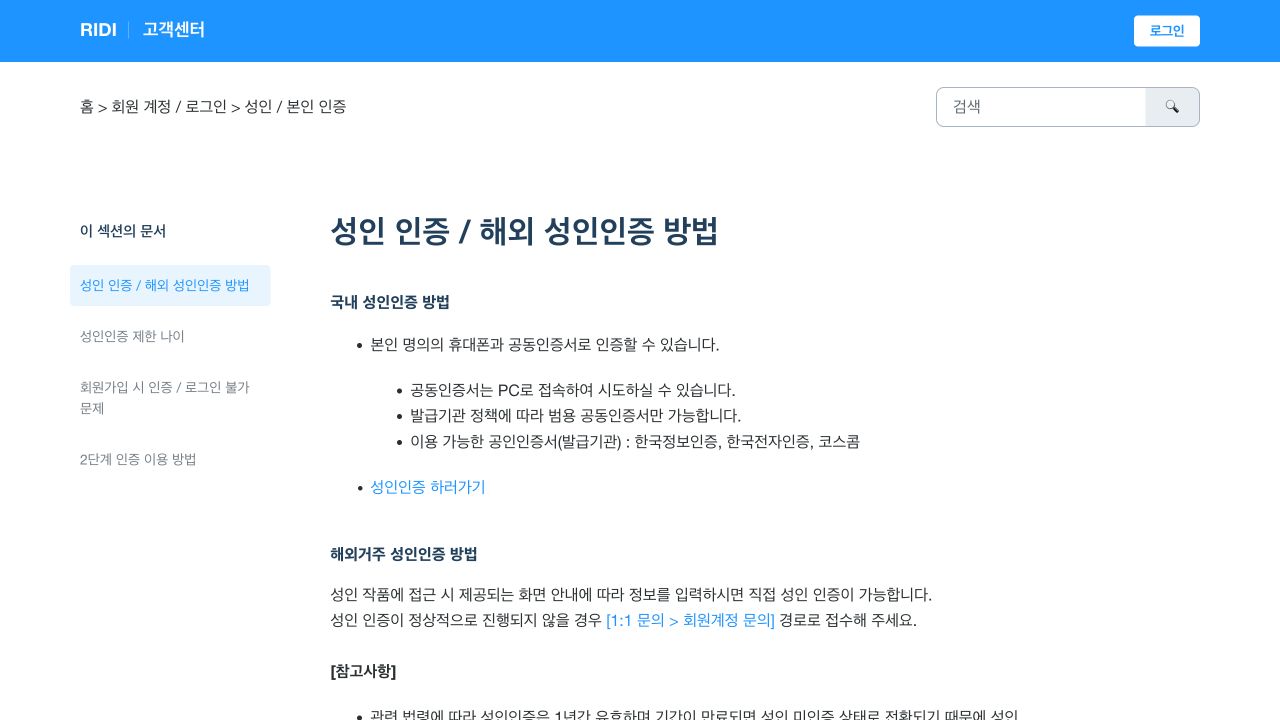
BookCube normally offers mobile-phone or joint-certificate verification. An overseas resident who cannot use either method can request a manual check by email. BookCube’s official customer FAQ states what to send, how long processing takes, and what happens to the identity-document copy.
Use BookCube’s official email route for overseas verification, send the correct account name and identity fields, and allow the stated processing time.
Confirm that the email route applies to you
Use this route if you live overseas and cannot complete mobile-phone or joint-certificate verification. The official address is [email protected]. Do not send identity data to an address copied from a forum or private message.
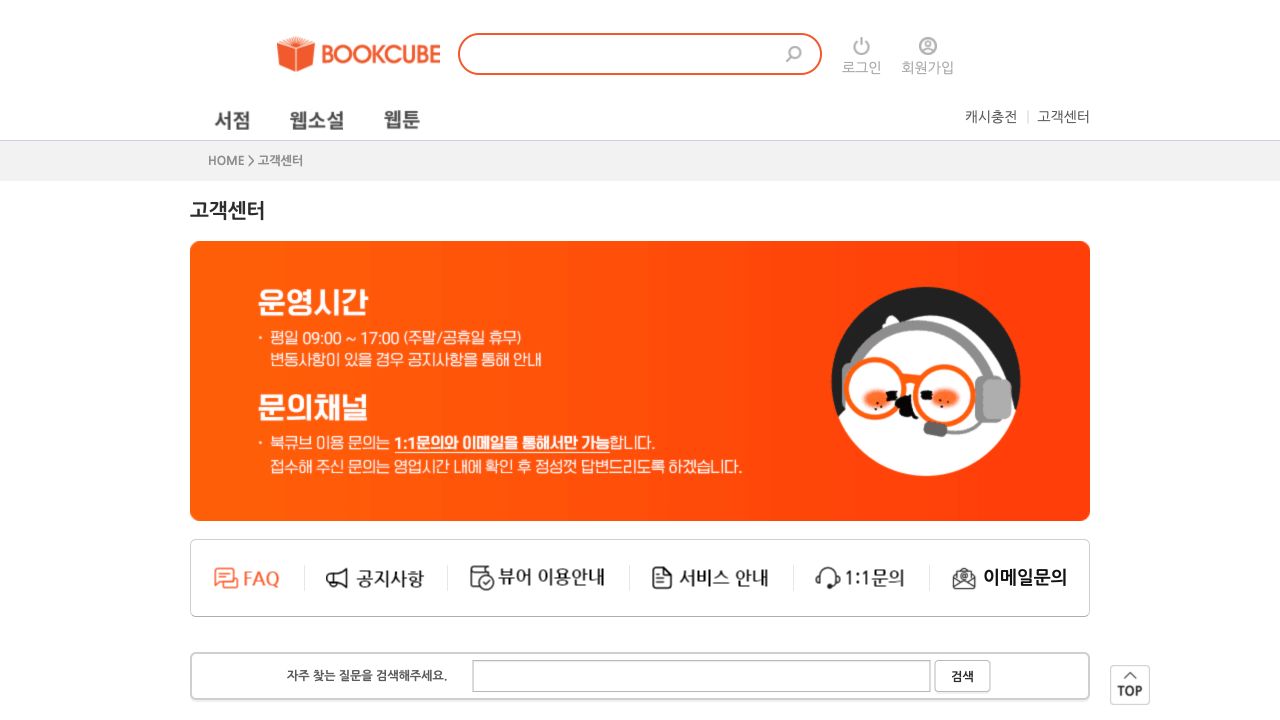
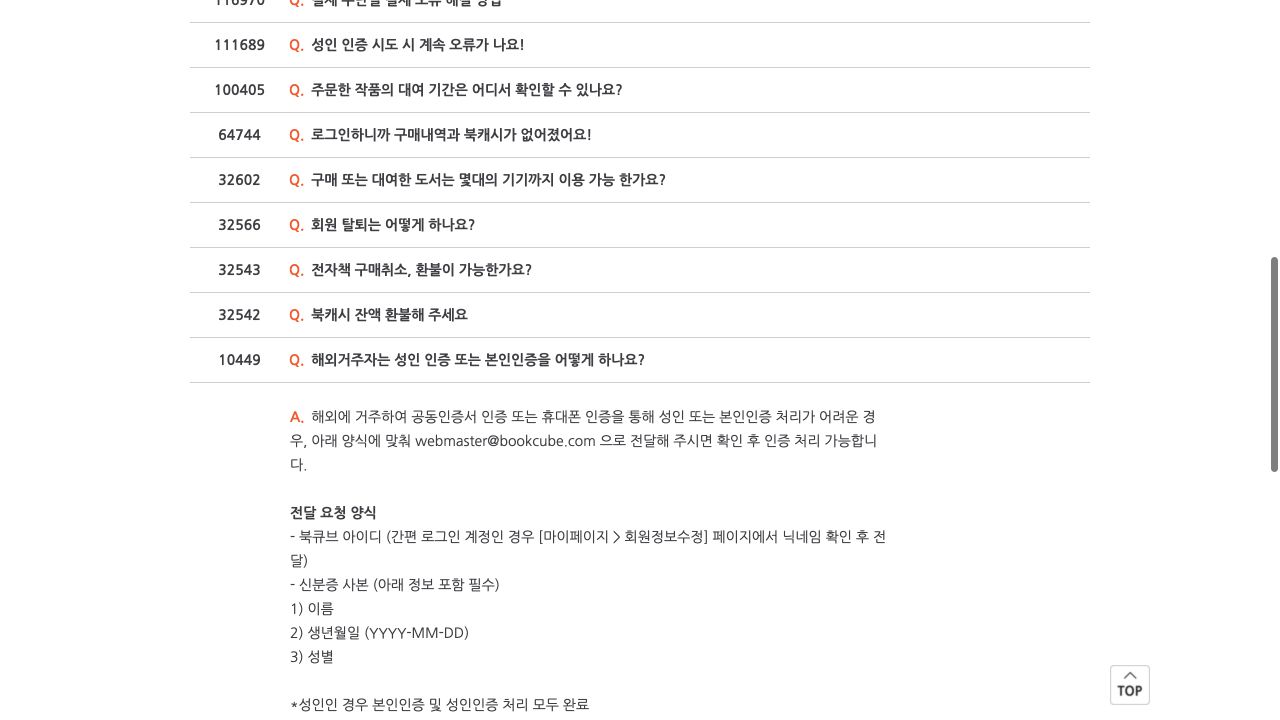
Open the BookCube customer centre and read the current FAQ question “해외거주자는 성인 인증 또는 본인인증을 어떻게 하나요?” before you send the request. This means “How does an overseas resident complete adult or identity verification?”
Send the correct account identifier
Include your BookCube ID. If you use a simple-login account, open My Page, then member-information editing, find the nickname, and send that nickname instead.
Do not send the account password. Make sure that the ID or nickname identifies the same account that needs access.
Attach only the required identity information
Attach a copy of an identity document that shows your name, birth date in YYYY-MM-DD format, and gender. Hide information that is not needed for these three checks.
BookCube states that it completes both identity verification and adult verification for an adult. It also states that the identity-document copy is deleted or destroyed after processing.
Allow the stated processing time
BookCube states that processing takes about one to two days after it receives the email. Weekends and public holidays are not included. Do not send repeated requests during this period unless the first email failed to deliver.
Keep the sent-email record. If the account is not updated after the stated time, reply to the same official email thread or use the BookCube customer centre.
Use the account only for authorised access
Verification permits the account to use the content that its age and purchases allow. It does not give permission to copy, publish, or sell the work or a translation.