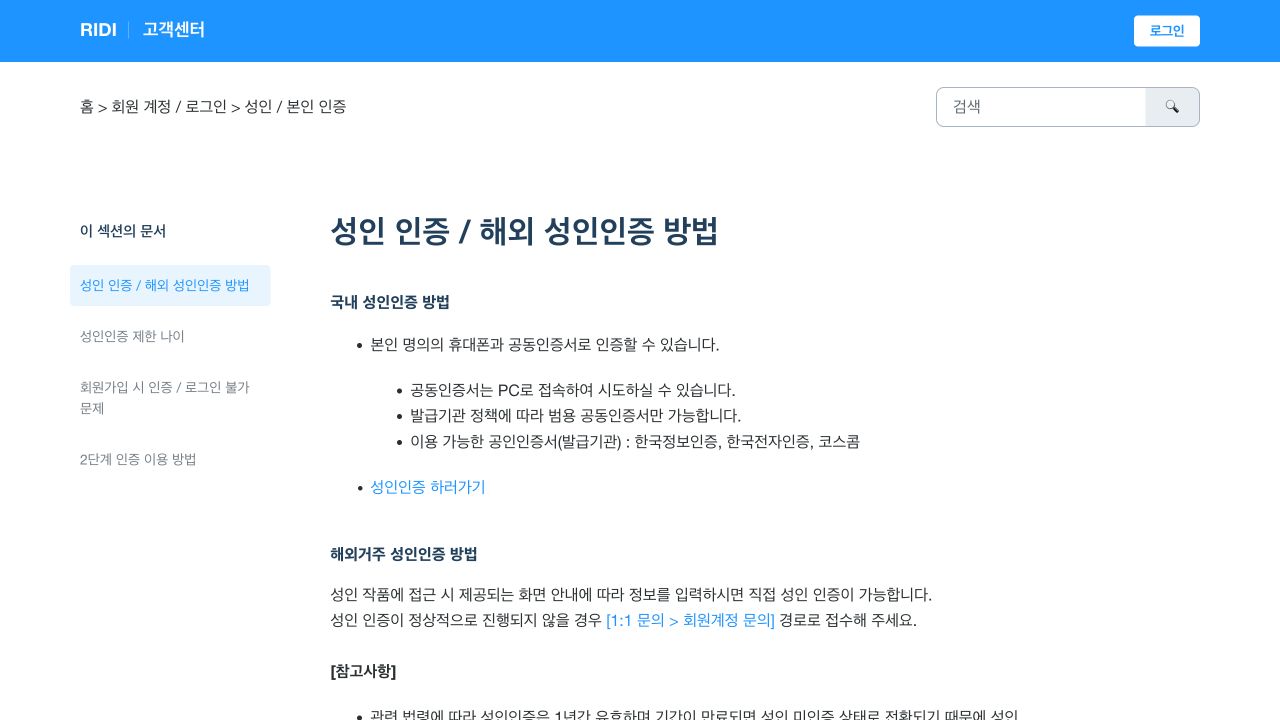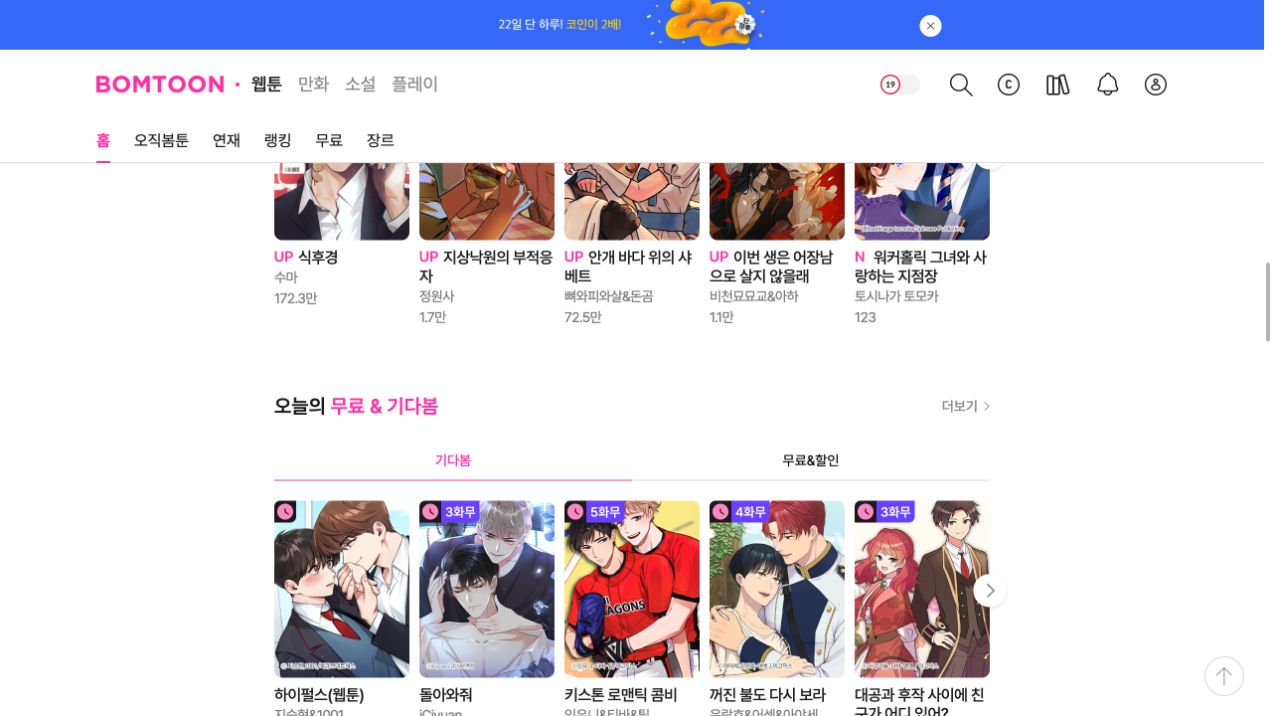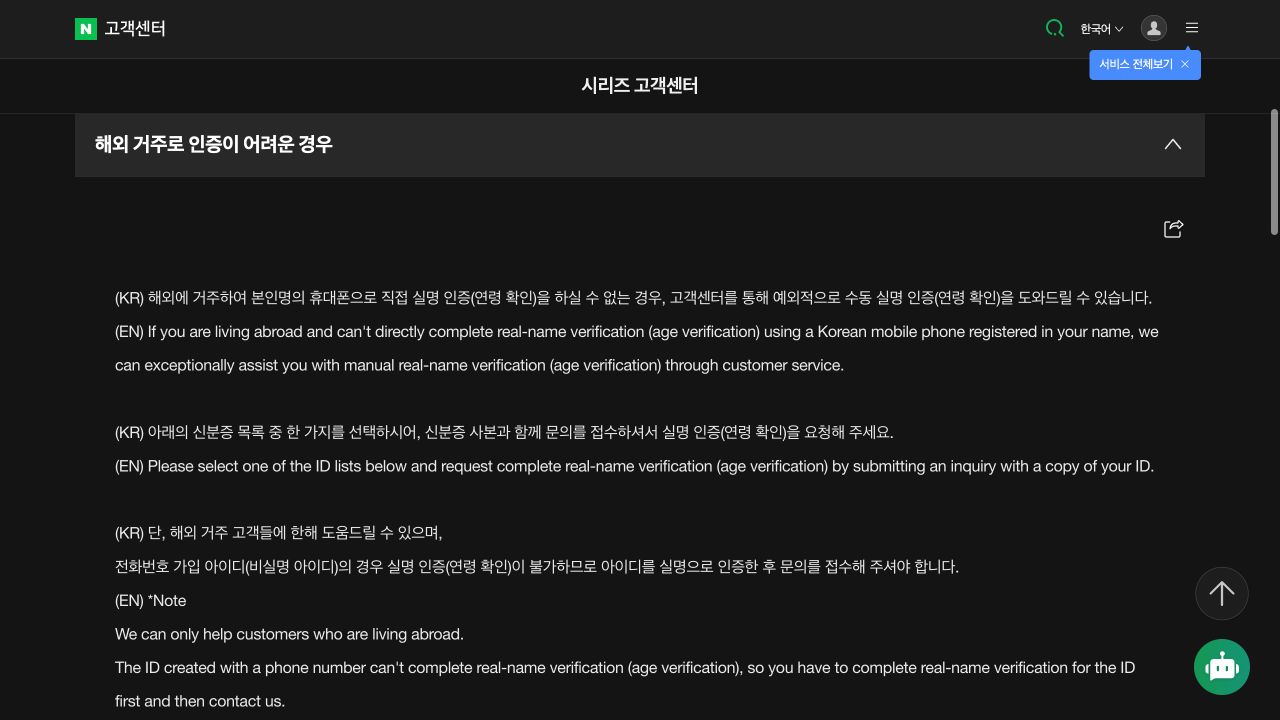
Novelpia age verification for 19+ works
Novelpia locks adult works, rated 19+ under Korean law, behind an account age check. Sign in first: signed out, the age-authentication page sends you back to the home page (checked 7 November 2026). The options shown after sign-in can depend on the account and country. Use the route attached to the work and contact Novelpia if no supported method appears.
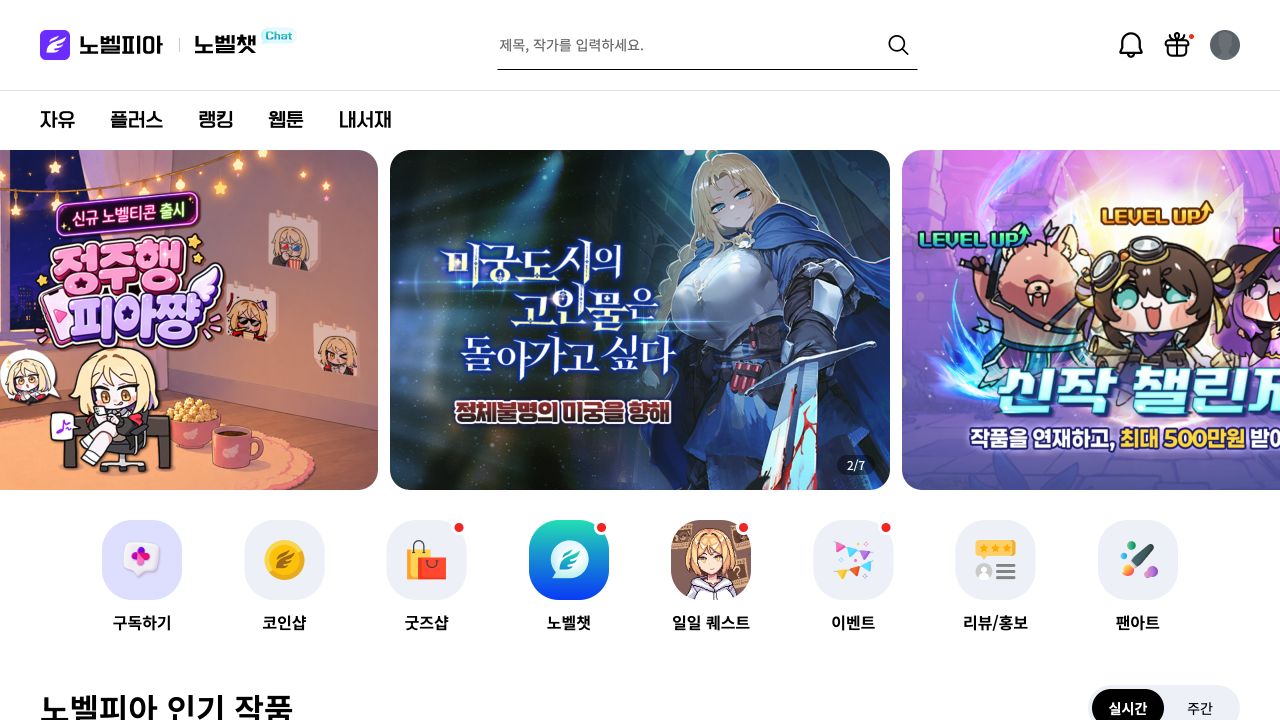
Novelpia locks 19+ works behind an account age check. Sign in, open the age gate from the work, check your details, and ask 1:1 support if no option fits.
Open the age gate from your own account
Sign in at novelpia.com and open the restricted work. The official site uses a page/age_auth route for age authentication. Start from the work or your account so the request stays linked to the correct profile.
Read the options on the screen before you provide any information. The public page does not publish a universal overseas document list. Do not rely on an old screenshot or a forum post that names a document without a date.
Prepare the account and requested information
Confirm the account email and the personal details already saved to the profile. If the official form asks for identity information, make sure the name and birth date match. Upload a readable image only through the official Novelpia page.
Do not borrow a Korean number, buy a verified account, or use another person’s identity. Do not send documents through social media or to a private address that is not listed by Novelpia.
Use the one-to-one inquiry for an unsupported country
The Novelpia footer links to 1:1 문의하기, which means one-to-one inquiry. It also lists [email protected] and the customer number 1588-3644. The published support hours are weekdays from 10:00 to 19:00 Korea time, with a break from 12:50 to 14:10.
Tell support which country you live in, which verification option appears, and the exact error. Ask which method the service currently supports for your account. Attach private identity data only when the official support case requests it.
Keep the content on the authorised service
Novelpia states that the site and original rights holders own the rights in registered content. Its footer warns against unauthorised copying, transmission, modification, and distribution.
Use verification to access a work through Novelpia. It does not permit you to republish the source or a translation. Keep private reading copies private unless you have permission from the rights holder.